
Reply desk
Replies drafted from what your team knows,
sent only when you approve.
Each draft is written from the thread, your past emails, calls, colleagues' mail and your style. Save drafts, work a queue of the emails that wait on you, and approve every one before it goes.
A work email reserves $50 in credit.
Invite-only early access · A person approves every send · Google Workspace and Microsoft 365
Waiting on you 3
- Dana Al RawahiPilot start and the Arabic call scriptsRas Freight, Muscat
- Omar SiddiquiPricing for 20 seatsBarakat Retail
- Noura Al MansooriIntroduction from KarimSadaf Clinics
Dana Al Rawahi to you and Rami
Thanks for the call. Before we sign, can you confirm what we agreed for the pilot and when it could start?
Draft reply
Hi Dana, thank you. As we agreed on our call on 3 March, the pilot covers your two Muscat depots and can start on the first Sunday of next month. Rami has sent the Arabic call scripts to your team, and I will share the order form tomorrow.
Best, Sara
Written from: this threadyour call on 3 Marcha colleague's emailyour style
Where a draft comes from
Written from what your team already knows.
Before a word is drafted, Ishara gathers the context a good reply needs, under your access rules: five sources, read together.
- The threadEvery message so far, so the reply answers what was actually asked.
- Your past emailsWhat you have already told this person and their company.
- Your callsWhat was agreed on the phone or in a meeting, in Arabic or English.
- Colleagues' mailWhat a colleague already said to the same people, where your access rules let you see it.
- Your styleHow you open, how you sign off and how long you usually write.
The queue and saved drafts
The emails that wait on you, in one queue.
The queue lists the emails where the next move is yours, so nothing that needs an answer sinks under newsletters and notifications. Open one and the draft sits beside the thread, ready to read.
- Edit, approve or keep it. Change a word or rewrite the lot; approve when it reads right.
- Saved drafts. Not ready? Save the draft and it stays with the thread until you come back.
- From your own mailbox. Replies go from your connected Google Workspace or Microsoft 365 address and land in your Sent folder.
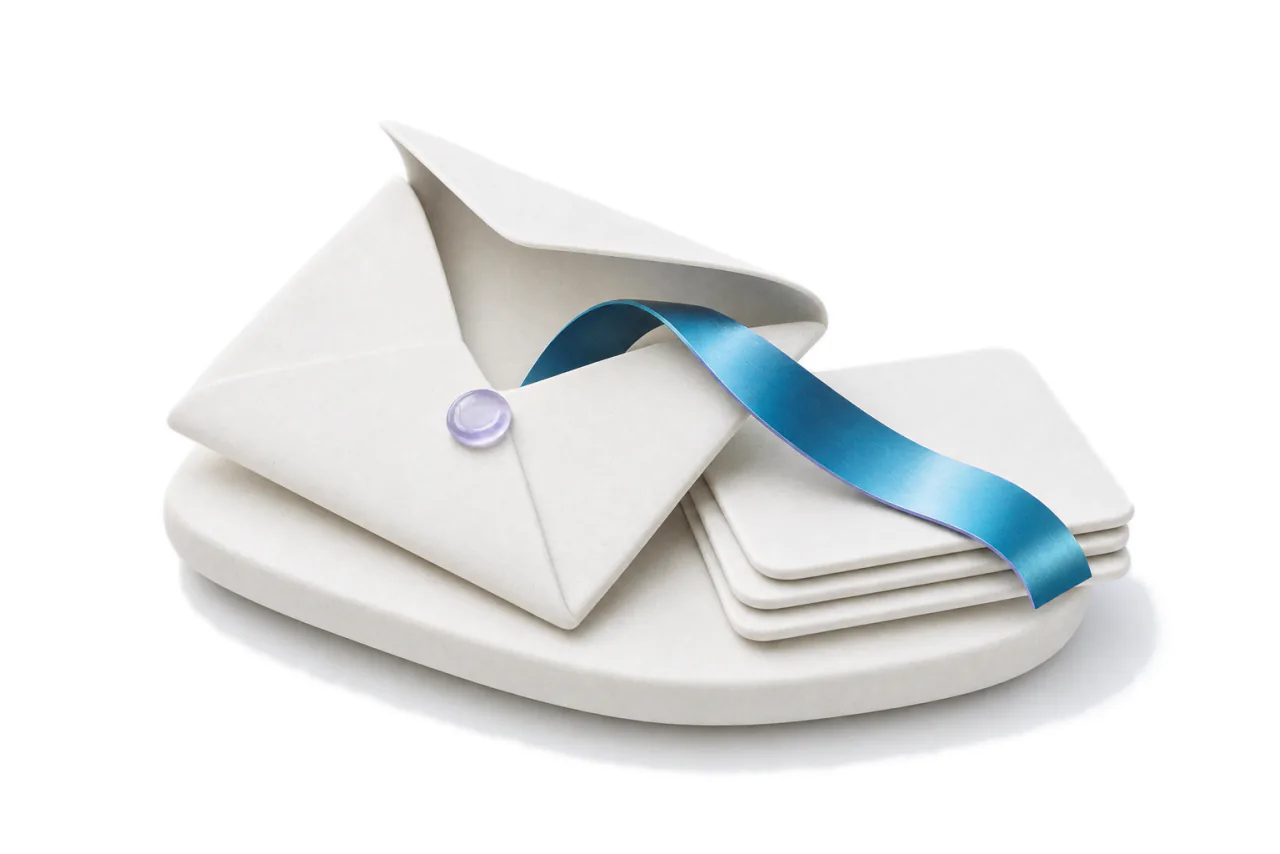
The full envelope
Reply all, Cc and Bcc, as your mail client has them.
Reply or Reply all, Cc, Bcc and the subject line are all in the composer, so a draft goes out exactly as a reply from your own mailbox would, to the people who should see it.
ReplyReply allForward
Trust
A person approves every send.
AI writes the first draft; someone on your team decides what goes. Your private context is supplied at the moment of a request and is never used to train models. Your access rules apply to every draft, and each thread keeps its own sharing rule.
Answering for a team? See Ishara for sales teams and Ishara for consultancies, or how mail lands on every record in record email.
Frequently asked questions
Does the reply desk send anything on its own?
No. A draft waits until a person reads it, edits it if needed and approves it. Nothing is sent on its own.
What does a draft read?
The thread, your past emails with the same people, your calls, what colleagues have already said to them where your access rules allow, and your own writing style. Emails caught by your hidden-email words are never used to write a draft.
Which mailboxes does it work with?
Google Workspace and Microsoft 365. Mailboxes connect through Google or Microsoft sign-in, so Ishara never sees a mailbox password, and replies go from your own address.
Is our mail used to train AI models?
No. Your private context is supplied at the moment of a request and is never used to train models.
Does it draft in Arabic?
Yes. Ask for a draft in Arabic or English, and the interface reads right to left in Arabic.
Keep exploring
Where to go next.
For sales teams
Every company you sell to, and who you already know there.
Record email
Every thread on the record it belongs to.
Private context
Email, meetings and records, resolved into people, decisions and next steps.
Early-access pricing
Free, Pro and Business per seat. Enterprise is scoped with the team.
Clear the reply queue, with a person on every send.
Get early access with a work email. $50 in credit is reserved for your workspace, and your mailbox connects when your invite arrives.
Invite-only early access in waves · A work email reserves $50 in credit · Arabic and English